


Canon
Multifunction printer
i-SENSYS MF463dw II
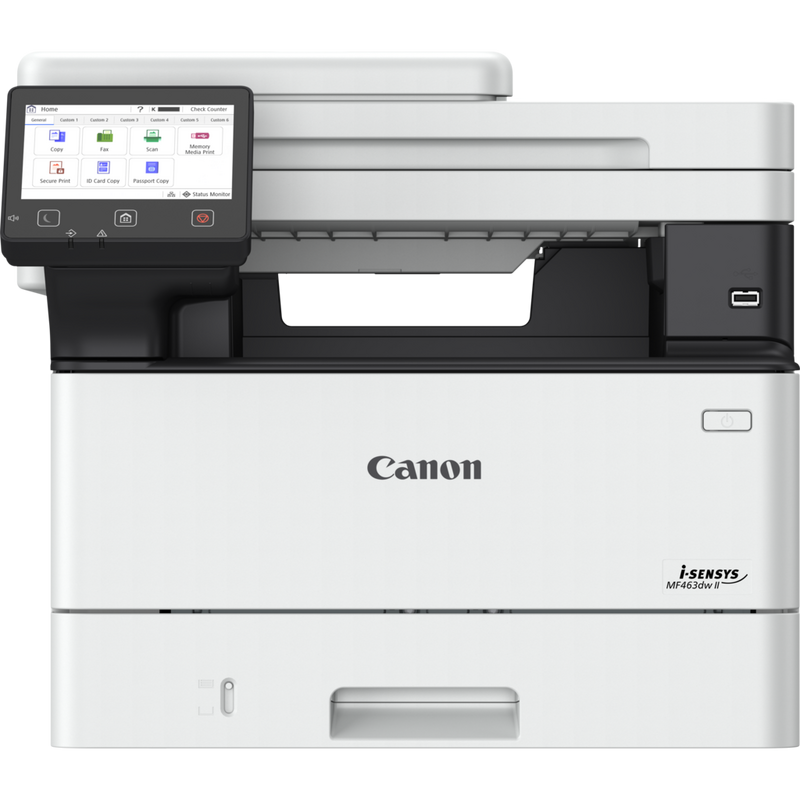
Part number: 7188C008
- A4 · monochrome laser
- Up to 40 ppm · A4
- Print, copy, scan
- Wi-Fi
OFFICE PRINTING · B2B
We help select multifunction printers for your documents, workload and team. Request a quote for a specific model or send us your requirements.
For organisations · By model or requirement · Delivery across Russia
Already have a model in mind? Select it to request a quote. For other options, include your requirements, preferred brand or part number in the enquiry.
Canon
Multifunction printer
Part number: 7188C008
Brother
Multifunction printer
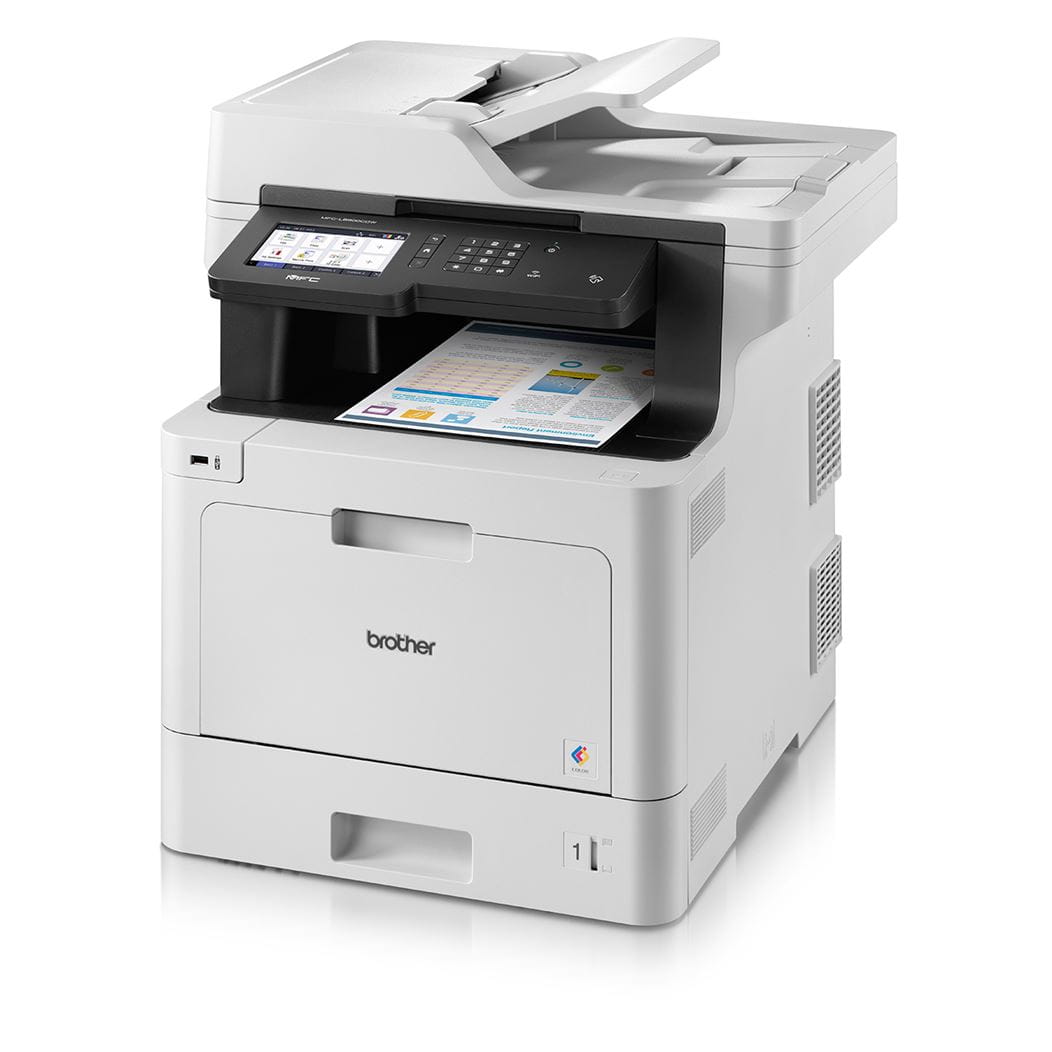
Part number: MFCL8900CDWRE1
Kyocera
Multifunction printer
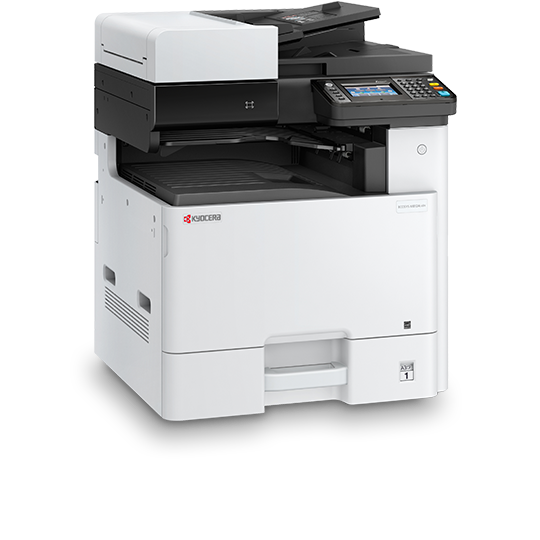
Part number: 1102P43NL0
RISO
Digital duplicator
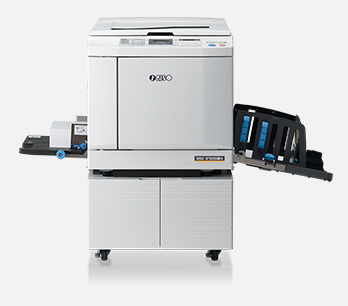
Part number: S-8190E
RISO is a digital duplicator, a separate category of printing equipment. We consider it for duplicating print runs, rather than as a replacement for an office multifunction printer with scanning.
Speeds are manufacturer-rated maxima. Configuration and availability will be confirmed in the quotation. RISO is pictured with a stand; its inclusion in the supply is agreed separately.
A model name is only part of the decision. We clarify the details that determine usability and the scope of supply.
Contracts, reports or colour materials? Do you need A3, or is A4 sufficient?
How many people will use the device, and what is your approximate monthly print volume?
We agree on connectivity, scanning requirements, additional options and printing supplies.
Share the model, quantity and delivery city, or describe your requirements.
We check configuration, availability and suitable alternatives.
We specify pricing, lead times, payment, delivery and warranty terms.
Equipment and documentation are supplied as agreed.
Yes. Include models, part numbers, quantities and the delivery city. Please identify any items for which alternatives are acceptable.
Pricing depends on the model, quantity, configuration and supply terms. Current prices and delivery times are confirmed in the quotation.
Yes. List the cartridges, toner or other supplies you need. Compatibility and quantities are agreed for the specific model.
We confirm these before you order and include them in the quotation and contractual documents. Terms depend on the equipment and supply arrangement.
Fill in the required fields and add at least one item. If you have a ready-made specification, attach it to the form.
Fields marked with * are required.
Cookie settings saved.